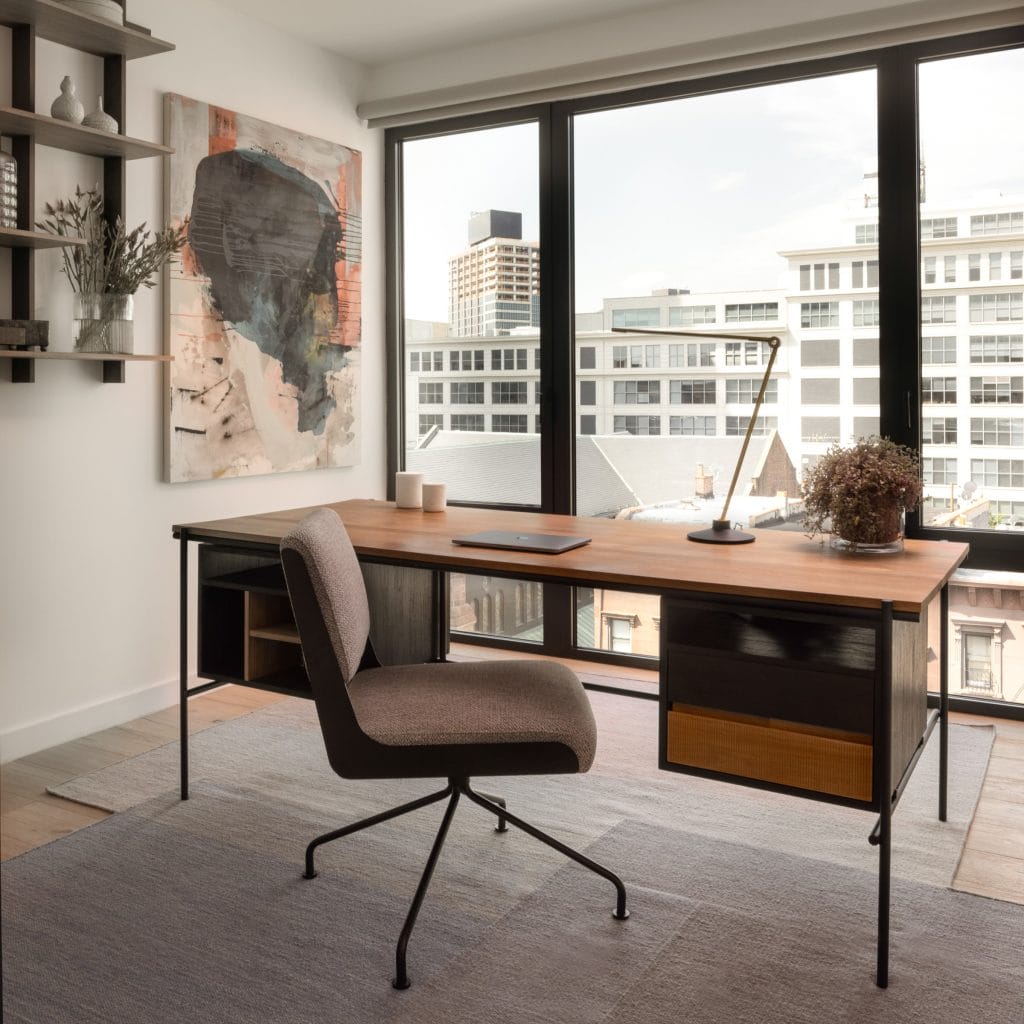
Creating the perfect office at home can change the way you work every day. Imagine a space that boosts your focus, sparks creativity, and feels comfortable from the moment you step in.
You don’t need a big budget or fancy tools to make this happen. With simple ideas and a bit of planning, you can transform any corner into a productive and inspiring workspace. Ready to discover how to decorate your home office so it works for you?
Keep reading, and let’s make your dream office a reality.
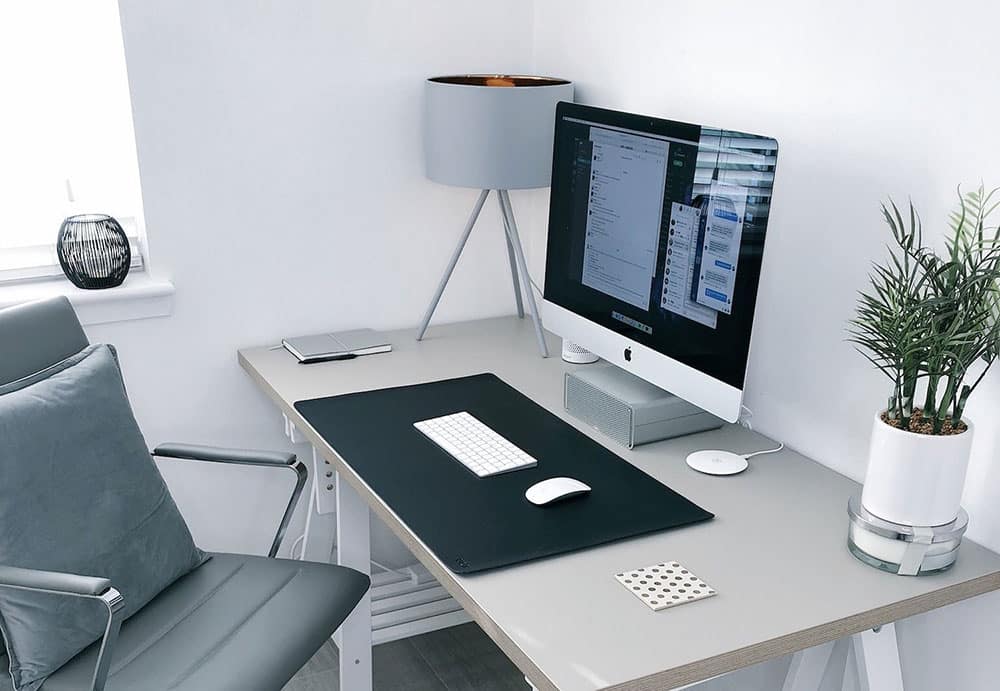
Credit: kraudeltpainting.com.au
Choosing The Right Space
Choosing the right space for your home office shapes how productive and comfortable you’ll feel throughout the day. It’s more than just picking an empty corner; it’s about finding a spot that supports focus and creativity. Think about where you naturally feel alert and calm, and how that space fits with your daily routine.
Maximizing Small Areas
Small spaces can work surprisingly well as home offices if you use them smartly. Instead of thinking of size as a limit, treat it like a challenge to get creative. Try using vertical storage like shelves or wall-mounted organizers to free up desk space.
Compact furniture with multiple functions, such as a foldable desk or a chair with built-in storage, can make a big difference. Have you tried rearranging your furniture to open up natural pathways? Sometimes shifting a chair or desk just a few inches can make the area feel less cramped.
Lighting Considerations
Natural light is your best friend when setting up a home office. Position your desk near a window to reduce eye strain and boost your mood. If natural light is limited, invest in a quality desk lamp with adjustable brightness and color temperature.
Think about the direction of light too—side lighting works well to avoid screen glare. Reflective surfaces, like white walls or a light-colored desk, can help bounce light around and brighten the room. Do you notice how your energy changes depending on the lighting in a room?
Noise Control Tips
Noise distractions can kill your concentration quickly, especially if your home is usually busy. Choose a spot away from loud appliances or high-traffic areas, such as kitchens or living rooms. If that’s not possible, noise-canceling headphones might be your best investment.
Adding soft materials like rugs, curtains, or cushions can absorb sound and reduce echo. You might also try white noise machines or apps to mask disruptive sounds. What noises pull your attention away most often? Identifying these can help you tackle them directly.
Essential Furniture Picks
Choosing the right furniture is key to creating a home office where you can focus and feel comfortable. The right pieces support your work habits and keep your space organized. Here’s a look at essential furniture picks that make a real difference in your daily productivity and comfort.
Ergonomic Chairs
You spend hours sitting, so your chair needs to protect your back and encourage good posture. An ergonomic chair with adjustable height, lumbar support, and breathable material can prevent discomfort and fatigue.
Think about how your chair supports your lower back and if it allows you to keep feet flat on the floor. I once switched from a basic office chair to an ergonomic model and noticed less back pain within days. How much time do you spend sitting, and is your current chair helping or hurting you?
Functional Desks
Your desk should fit the tasks you do, whether it’s writing, computer work, or meetings. Look for desks with enough surface area to hold your essentials without cluttering your space.
Adjustable-height desks offer flexibility, letting you switch between sitting and standing. I found that having a desk that adjusts helped me avoid stiffness and stay energized throughout the day. What kind of desk setup would help you work more efficiently?
Storage Solutions
Keeping your office tidy reduces stress and saves time looking for things. Choose storage that matches your space and needs, like filing cabinets, shelves, or storage bins.
Open shelves keep frequently used items visible and easy to grab, while closed storage hides clutter. I use a combination of both to keep my workspace clear but still have everything I need within reach. What storage options would make your work area more organized?
Color Schemes For Focus
Soft blues and greens create a calm space that helps you focus. Bright colors like yellow can boost energy but use them in small amounts. Choose colors that feel comfortable and keep distractions low.
Color schemes in your home office play a key role in focus. The right colors can boost productivity and concentration. Choosing the right palette sets the tone for your work environment.Calming Shades
Soft blues and greens create a peaceful atmosphere. They help reduce stress and anxiety. These shades are ideal for tasks requiring deep concentration. Light grey can also provide a serene backdrop. It minimizes distractions and fosters a calm work space.Energizing Hues
Bright colors like yellow and orange invigorate the mind. They can inspire creativity and enthusiasm. These hues are perfect for brainstorming sessions. Adding a splash of red can increase energy levels. It’s great for tasks requiring a burst of motivation.Accent Colors
Accent colors add personality to your office. They should complement your main color scheme. A touch of purple or teal can add depth. They bring a vibrant yet balanced feel. Consider adding accents through decor items like cushions or artwork.Organizing For Efficiency
Organizing your home office boosts productivity and reduces stress. A tidy space helps focus and speeds up work. Efficient organization means less time searching and more time doing. Small changes make a big difference.
Decluttering Techniques
Clear your desk of unnecessary items. Sort papers into keep, toss, or file piles. Use storage boxes or drawers for loose items. Keep only essentials within arm’s reach. Regularly review your space to avoid buildup.
Cable Management
Untangle cables to prevent mess and hazards. Use cable ties or clips to bundle wires neatly. Label cords for easy identification. Position power strips under the desk or behind furniture. This keeps cables out of sight and organized.
Desktop Accessories
Select accessories that combine function and style. Use pen holders, trays, and organizers to keep tools in place. Opt for a desk calendar or planner for scheduling. Minimal accessories reduce clutter and enhance focus.
Incorporating Personal Touches
Incorporating personal touches into your home office makes the space truly yours. It boosts comfort and inspires creativity. Personal items reflect your style and keep you motivated. Small details change the vibe and invite focus. These touches create a warm, inviting work zone.
Artwork And Decor
Choose artwork that speaks to your personality. It could be paintings, prints, or photos. Display items that make you happy or calm. Use colors that energize or soothe your mind. Simple decor like a unique clock or stylish lamp adds charm. Let your office walls tell your story.
Plants For Freshness
Greenery brings life and energy into your office. Small potted plants fit any desk or shelf. They improve air quality and reduce stress. Choose low-maintenance plants like succulents or snake plants. Place them where they get light but don’t distract. Plants add color and a natural touch.
Inspirational Quotes
Quotes can push you forward during tough days. Pick phrases that motivate or calm your mind. Print them out or use framed posters. Place quotes where you see them often, like above your desk. Change them regularly to keep your space fresh. Words have power to shape your workday.

Credit: harrisbrushes.com
Technology Setup Tips
Setting up your technology properly can make a huge difference in your home office comfort and productivity. The right arrangement helps reduce strain and keeps your workspace tidy. Let’s look at some practical tips for organizing your tech gear effectively.
Monitor Placement
Position your monitor so that the top of the screen is at or slightly below eye level. This helps prevent neck and eye strain during long work sessions.
Keep the monitor about an arm’s length away from you. If you use multiple screens, angle them inward to create a gentle curve, reducing head movement.
Consider using a monitor stand or adjustable arm to free up desk space and allow easy repositioning.
Audio Equipment
Good audio quality improves communication and focus, especially for video calls or listening to music. Invest in a quality headset or speakers that fit your space and budget.
Place speakers at ear level and avoid cluttering cables. If you share your space, noise-canceling headphones can help you stay undisturbed.
Test audio settings regularly to ensure clear sound and avoid frustrating technical issues during important meetings.
Connectivity Essentials
A reliable internet connection is critical. Use a wired Ethernet connection if possible for stable speeds, especially if you handle large files or attend frequent video calls.
Organize cables with clips or sleeves to prevent tangling and maintain a neat workspace. Keep chargers and backup batteries within easy reach.
Invest in a quality surge protector to safeguard your devices from power spikes. Ask yourself—how often do you check your connection and cable setup? Small tweaks here can save big headaches later.
Creating Zones
Creating distinct zones within your home office helps boost focus and balance your workday. Dividing the space into clear areas signals your brain when it’s time to work and when it’s time to relax. This separation can improve productivity and prevent burnout, making your home office a place you actually want to spend time in.
Work And Break Areas
Designate a specific spot for your main work tasks, like your desk with your computer and essential supplies. Keep this area clutter-free and well-lit to help maintain concentration.
Next to it, set up a break area where you can step away from your screen. This could be a comfy chair or a small couch with a side table for your coffee or snacks. Giving yourself a change of scenery helps reset your mind during long work sessions.
Meeting Spots
If you frequently have virtual meetings or collaborate with others, create a dedicated meeting zone. A neat background, good lighting, and a comfortable chair make a big difference on camera and help you feel more professional.
Consider placing a small table with chairs or a standing desk where you can interact without distractions. This area can double as a space for brainstorming or quick discussions.
Creative Corners
Everyone needs a place to spark new ideas. A creative corner filled with inspiring items—like a whiteboard, art supplies, or mood boards—can encourage fresh thinking.
Try adding plants or colorful decor to make this space inviting. When was the last time you stepped away from your desk to let your creativity flow? Setting up this zone reminds you to take those important creative breaks.
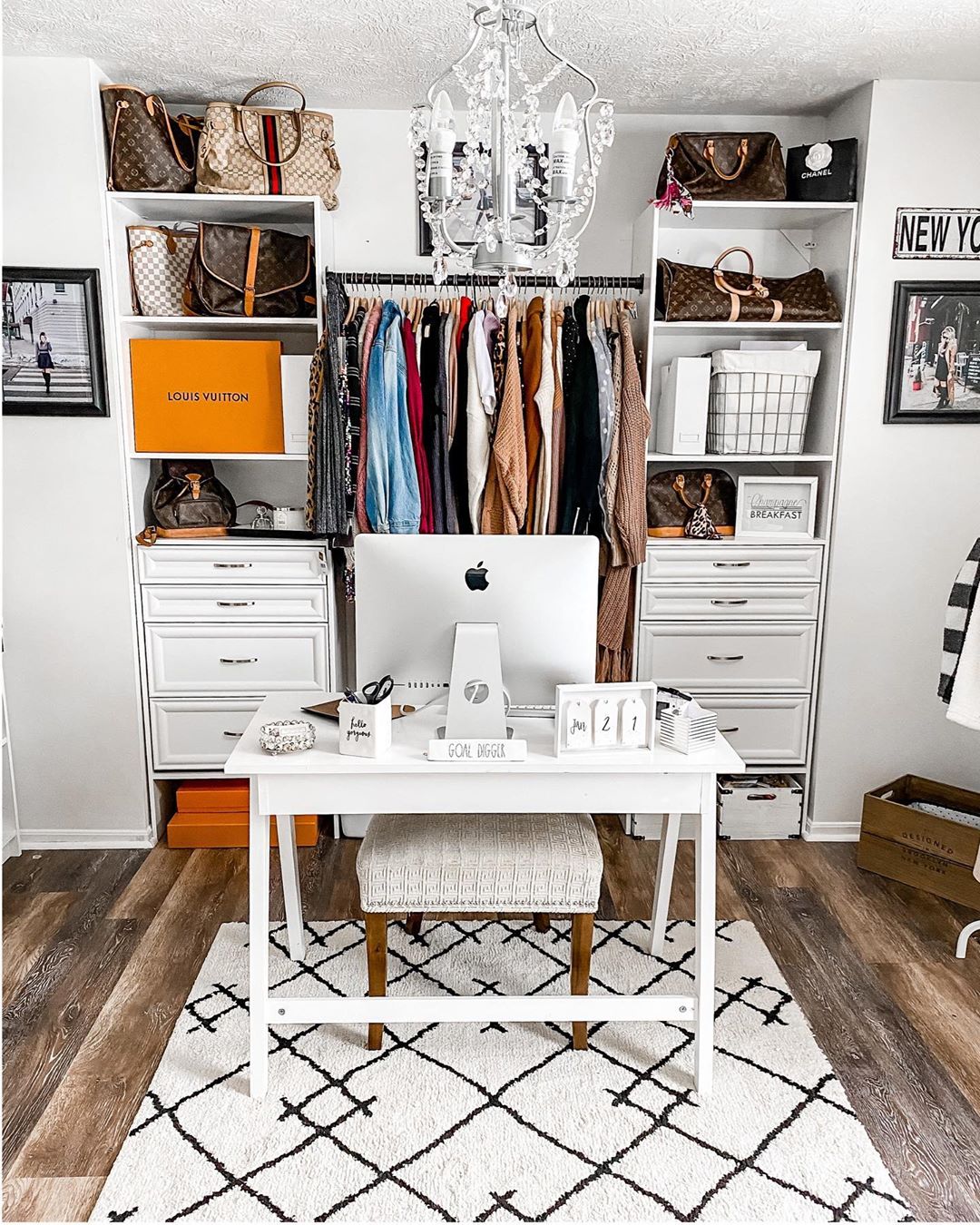
Credit: www.extraspace.com
Frequently Asked Questions
How Can I Create A Productive Home Office Space?
Start by choosing a quiet, well-lit area. Use ergonomic furniture and keep your desk organized. Add personal touches for comfort and motivation.
What Are The Best Colors For A Home Office?
Opt for calming colors like blue or green. These enhance focus and reduce stress. Neutral shades also create a professional atmosphere.
How Do I Maximize Small Office Space At Home?
Use vertical storage and multi-functional furniture. Keep the area clutter-free and use light colors to make the space feel larger.
What Lighting Is Ideal For A Home Office?
Natural light is best for productivity. Supplement with adjustable task lighting to reduce eye strain during work hours.
Conclusion
Creating a home office that feels comfortable helps you work better. Choose simple furniture that fits your space well. Add good lighting to reduce eye strain. Keep your desk tidy to stay focused and calm. Personal touches make the space inviting and boost mood.
Small plants or photos can brighten your day. Remember, a well-decorated office supports your daily tasks. Take time to arrange your space just right. Enjoy working in a place that suits you best.